Welcome to


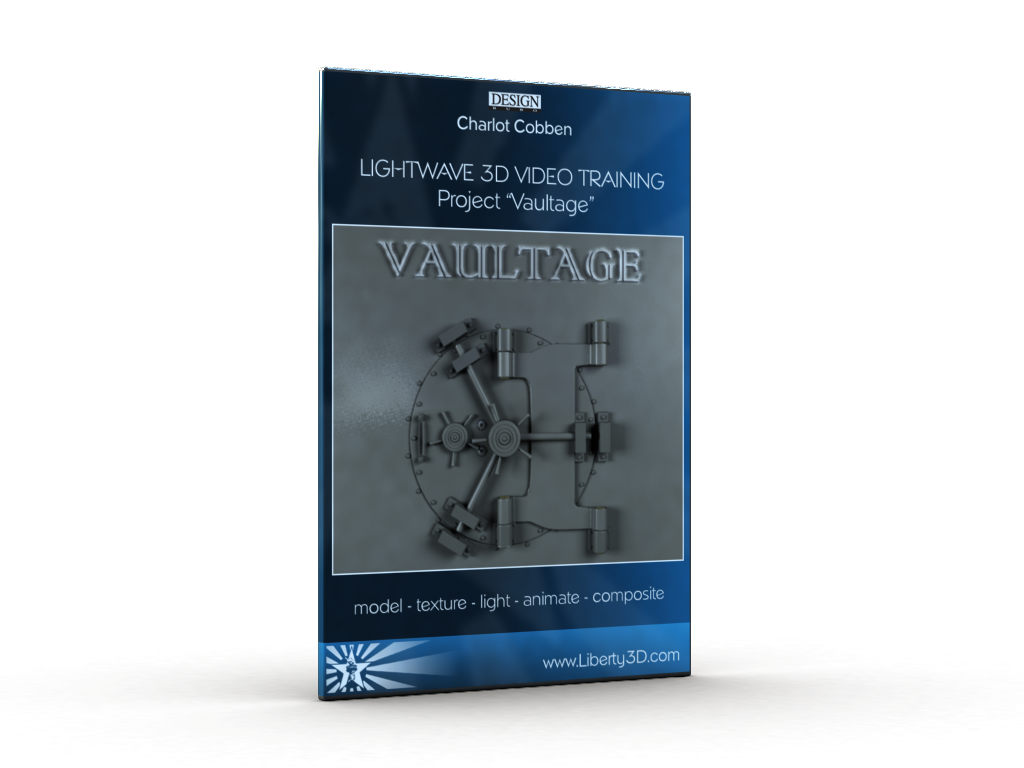
General : #lightwave 10.1 Vaultage training video
Posted by C. Cobben on 10-08-2011 @ 21:04 (1842 reads)

Project --Vaultage--


Boxshot Lightwave 10.1 vaultage training video


To order this product go to : http://www.liberty3d.com/citizens/cha ... /charlys-corner/vaultage/


Project Vaultage covers..


  • planning

  • resource gathering

  • modeling

  • surfacing

  • texturing

  • lighting

  • animation

  • particle fx

  • volumetrics

  • composeting.


You are guided to all of the steps and get some handy tips along the way.


This video is intended for more experienced Lightwave beginners. Knowledge of Model- and Layout’s interface would be recommended. That said, if you pay close attention to the video you will notice that all actions are clearly addressed.


This video has been created using Lightwave 10.1 and although the VPR system is used for help texturing, it is only a small portion of the video and thus will work with previous version of Lightwave.

All object and scene files are included with the purchase as well as the images used.



Chapters


  1. Introduction

  2. References

  3. Door Wall Part I

  4. Door Wall Part II

  5. Bolts Holder Part I

  6. Bolts Holder Part II

  7. Logo

  8. Holders Part III

  9. Handles Part I

  10. Handles Part II

  11. Door Part III

  12. Animating Part I

  13. Animating Part I

  14. Creating Smoke

  15. Texturing

  16. Render Output

  17. Compositing

  18. Extra Assets


Total video length : 5 hours 20 minutes

Video resolution : 1400 x 1006


Tags: lightwave   video   vaultage   training  
Printer Friendly Page Send this Story to a Friend Create a PDF from the article


Bookmark this article at these sites


The comments are owned by the poster. We aren't responsible for their content.
Poster Thread